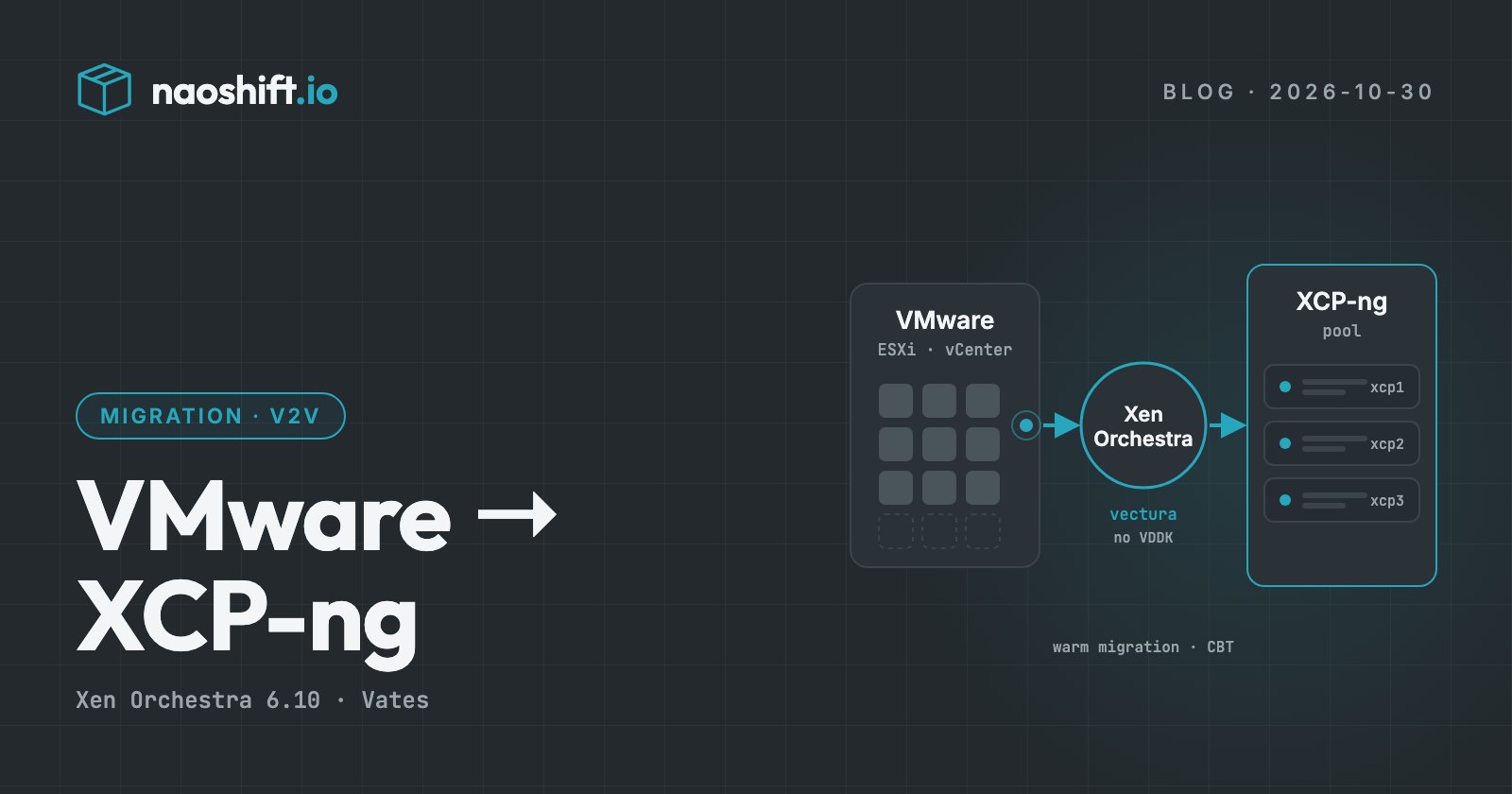
Migrating from VMware to XCP-ng and Xen Orchestra: the 2026 guide
VMware import in Xen Orchestra, warm migration, the end of the VDDK dependency, guest tools, UEFI and vTPM: how to migrate from VMware to XCP-ng, and the checklist for each machine.
XCP-ng, the open source hypervisor backed by the French vendor Vates, is one of the two main destinations for organisations leaving VMware. Migration goes through Xen Orchestra, its management tool, which can import a machine directly from an ESXi host or a vCenter, even while it is running.
Good news this autumn: since Xen Orchestra 6.9, released on 30 September 2026, this import no longer depends on VDDK, the VMware library whose public download disappeared in late August. This guide covers the method, the pitfalls specific to XCP-ng and the checklist to follow.
Importing from VMware in Xen Orchestra
From the Xen Orchestra import screen, you connect to an ESXi host or a vCenter, pick the machines, then the destination pool, storage (SR) and networks. Xen Orchestra reads the disks from VMware and creates the machine on XCP-ng.
What changed recently, according to the Xen Orchestra changelog:
- 6.9 (30 September 2026): migration no longer needs VDDK,
nbdkitornbdinfo. Disks are read byvectura, a binary shipped with Xen Orchestra and installed in one click from the import screen. The download from Broadcom and the archive upload are gone. - 6.9: when changed block tracking (CBT) is enabled on the source machine, Xen Orchestra asks the host which blocks to read, instead of scanning the whole disk.
- 6.10 (29 October 2026): ESXi 6.x hosts are supported again, with slower reads; the source is shut down cleanly through VMware Tools, with a hard power-off only if they do not respond or the shutdown takes more than ten minutes.
Warm migration
The strength of the Xen Orchestra import is "warm" migration: the machine keeps running on VMware while most of its disks are transferred. A snapshot is taken automatically if the machine has none. At cutover, the source is stopped, only the blocks changed since then are transferred, and the machine starts on XCP-ng.
Downtime is therefore limited to the last transfer and the boot. On a very busy machine, that final delta can still be significant: plan the cutover in a quiet window.
Pitfalls specific to XCP-ng
Guest tools. Remove VMware Tools before migrating, then install the XCP-ng tools: the guest agent on Linux (which reports IP addresses, among other things), and the XCP-ng Windows PV drivers on Windows. Without them, a Windows machine runs with reduced I/O performance.
This is not KVM. Conversion tools from the KVM ecosystem, such as virt-v2v, target VirtIO drivers. On XCP-ng, the drivers are Xen's: procedures written for Proxmox VE do not apply as they are.
Disk names on Linux. With Xen drivers, disks often show up as /dev/xvda rather than /dev/sda. Check that /etc/fstab and the boot loader refer to disks by UUID or label.
UEFI and Secure Boot. XCP-ng boots UEFI machines. Secure Boot requires preparing the pool, in a way that depends on your version: follow the "Guest UEFI Secure Boot" guide in the XCP-ng documentation before migrating the machines that rely on it.
vTPM. XCP-ng 8.3 can provide a vTPM to a UEFI machine, but the vTPM state of a VMware machine does not follow. Have the BitLocker recovery keys ready.
Raw disks (RDM). The import does not support them: these machines need a separate method, such as a storage-level copy.
vSAN. Check how your Xen Orchestra version handles machines on vSAN, and plan to move their disks to another datastore before the import if needed.
The checklist, machine by machine
Before:
- no RDM disks, old snapshots consolidated;
- VMware Tools removed, network configuration and MAC address noted;
/etc/fstabby UUID on Linux;- pool prepared for Secure Boot if needed;
- BitLocker keys available if a vTPM is present;
- verified backup, application owner's approval.
During:
- first transfer with the machine running, cutover in the planned window;
- clean shutdown of the source, transfer of the final delta.
After:
- XCP-ng tools installed, network checked;
- backup of the new machine set up in Xen Orchestra;
- source kept powered off for a few days as a rollback.
Organising the exit in waves
The Xen Orchestra import handles machines. Leaving VMware, on the other hand, is handled in waves: which machines move together, in which window, with which approvals, and how to roll back.
NaoShift's Migrations feature, in beta and opened company by company, handles that organisation towards XCP-ng as well as Proxmox VE. A team drags a VMware machine onto its destination, the wizard checks it (CPU, firmware, Secure Boot, vTPM, encryption, free space, network) and gives it an effort score, then machines leave in waves with their runbook: checks before the source is stopped, steps to tick, automatic steps.
The import remains Xen Orchestra's own: no disk goes through NaoShift. The source is never destroyed and every wave keeps its rollback. Every write follows the same rule: read-only by default, write access enabled per target with a dedicated account, logged before execution.
For hosting providers and integrators, NaoShift Portal, the alternative to VMware Cloud Director, also runs on XCP-ng through Xen Orchestra since October.
Frequently asked questions
Do you still need VDDK to migrate from VMware to XCP-ng?
No, not since Xen Orchestra 6.9 (30 September 2026). Disks are read by vectura, a binary shipped with Xen Orchestra. Earlier versions, from 5.110 onwards, required VDDK and nbdkit.
Can you migrate a VM from VMware to XCP-ng without stopping it?
Almost. Warm migration transfers most of the disks while the machine runs. A short stop is still needed at cutover, to transfer the last changed blocks.
XCP-ng or Proxmox VE to leave VMware?
Both are solid destinations. The choice mainly depends on your teams, your storage and your backup: our comparison Proxmox VE or XCP-ng details the criteria.
Going further
The VMware exit file prices a scenario on your estate, and the NaoShift Portal page presents the offer for hosting providers. To inventory your machines and prepare your waves, you can start for free or write to us.