Proxmox VE or XCP-ng: how to choose after VMware?
Proxmox VE and XCP-ng are the two open source alternatives to VMware vSphere that IT leaders mention most. Architecture, storage, backup, migration and support: the criteria that really matter when choosing.
Proxmox VE and XCP-ng are today the two open source alternatives to VMware vSphere that IT leaders mention most. Both are mature, both are developed in Europe, and both have been running production estates for years. So the right question is not "which one is better?" but "which one fits my teams, my storage and my backup?".
In short: Proxmox VE suits Linux-savvy teams who want an all-in-one platform, managed from any node, with ZFS and Ceph built in. XCP-ng suits teams coming from Citrix XenServer, or who want centralised management through Xen Orchestra, backup included. The rest of this article details the criteria that tip the balance.
Two architectures, two philosophies
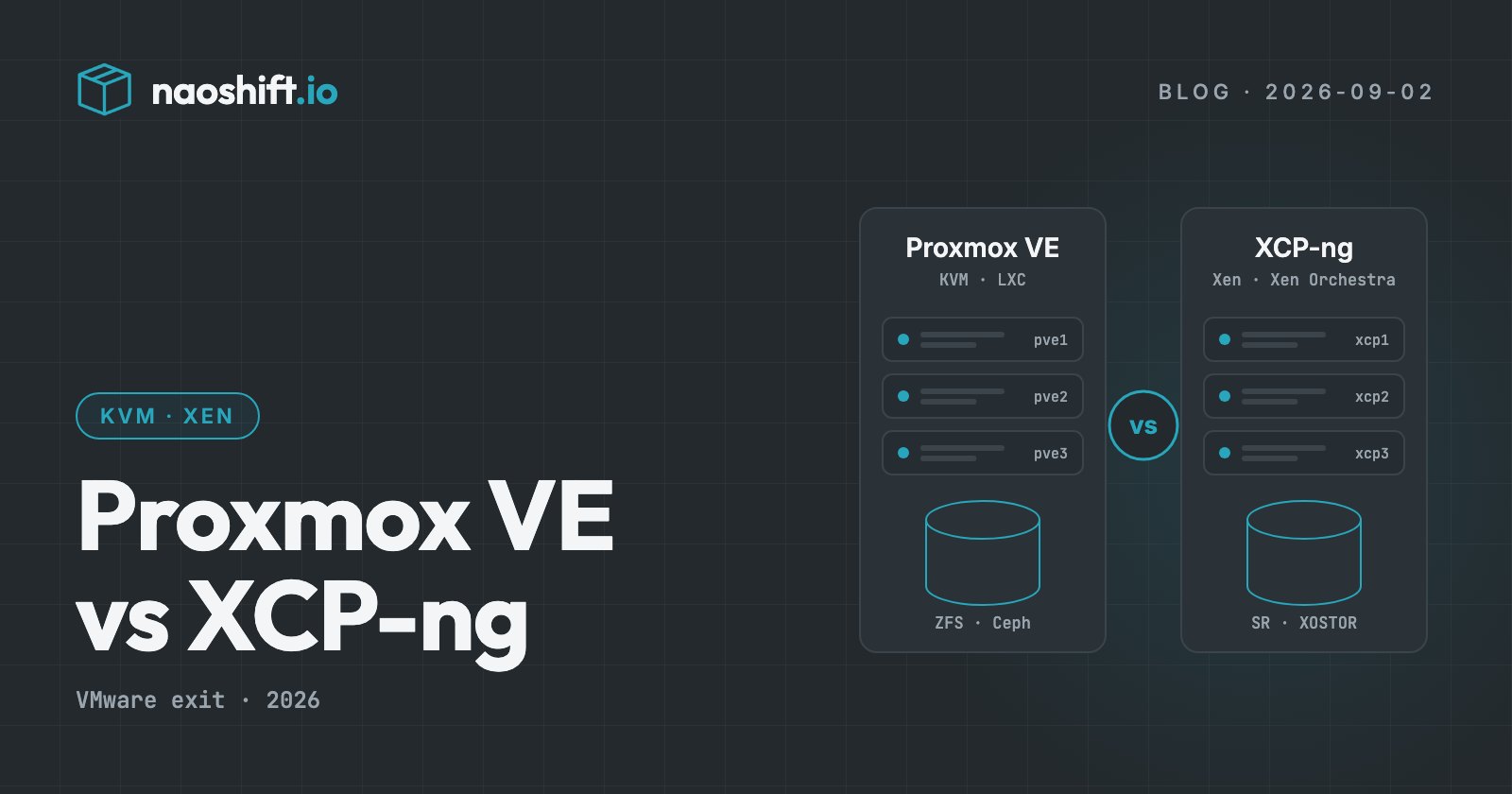
Proxmox VE is developed by Proxmox Server Solutions in Vienna, Austria. It is a Debian-based distribution that combines the KVM hypervisor for virtual machines with LXC for system containers. Every node serves the web interface, and a cluster has no central management server: any node can administer the whole cluster.
XCP-ng is a Xen hypervisor, derived from Citrix XenServer and fully open source, backed by Vates, a French vendor based in Grenoble. Hosts are grouped into pools that share their storage, and management goes through Xen Orchestra, a web application that drives one or more pools and includes backup. XO Lite, embedded in each host, covers first steps and troubleshooting.
In practice, a Proxmox team administers "from the cluster", while an XCP-ng team administers "from Xen Orchestra". Neither is a flaw: it is a matter of habits and organisation.
Storage: ZFS and Ceph on one side, SRs and XOSTOR on the other
Storage is often the deciding criterion.
- Proxmox VE natively handles ZFS (local, with replication between nodes), Ceph (hyperconverged, built into the interface), LVM and LVM-thin, as well as NFS, iSCSI and Fibre Channel.
- XCP-ng organises storage into Storage Repositories: local (LVM or EXT), NFS, iSCSI, Fibre Channel HBA, and XOSTOR for hyperconvergence.
If you keep your SAN array, both platforms can use it. If you are moving to hyperconvergence, compare Ceph and XOSTOR on your own volumes and on your team's skills: that is where day-to-day operations are decided.
Backup: a separate product or a built-in one
- Proxmox VE relies on Proxmox Backup Server, a separate product that performs deduplicated incremental backups. Several backup vendors on the market also support Proxmox VE.
- XCP-ng backs up from Xen Orchestra: full and incremental backups, continuous replication to another pool, copies to remote repositories.
Before choosing, check that your current backup tool, or the one you are aiming for, covers the target platform with the features you expect: granular restore, immutability, off-site copy.
Migrating from VMware
Both platforms offer an import from ESXi:
- Proxmox VE includes an import wizard: you declare the ESXi host as a storage, pick the machine, then map disks and networks.
- Xen Orchestra offers an "import from VMware" that reads the source machine's disks and can perform a warm migration, with a short stop at cutover.
A point to watch this autumn: the Xen Orchestra import relies on VMware's VDDK library, whose public download disappeared in late August. Check the availability of every tool in your migration chain before planning.
In both cases, the longest part is not the import itself: it is preparing the guest systems (VMware tools to remove, drivers, firmware) and organising the waves.
Support, licensing and ecosystem
Both products are free software and can be used without paying. The commercial model covers support and access to stable repositories:
- Proxmox sells per-CPU-socket subscriptions, with several support levels;
- Vates sells commercial support for XCP-ng and Xen Orchestra, with the XOA appliance.
The Proxmox community is the largest, with plenty of online resources. Vates, a French vendor, offers support in French and a proximity valued by organisations that care about sovereignty. If you are a hosting provider or an integrator selling virtual machines to customers, also look at the multi-tenant tooling and self-service portal available on each platform.
How to decide on your own estate
A simple grid to fill in with your teams:
- Skills: Linux and Debian every day? Proxmox VE will feel natural. A XenServer or Citrix background? XCP-ng.
- Management: prefer a central console that drives several sites? Xen Orchestra. Management carried by each cluster? Proxmox VE.
- Storage: ZFS or Ceph already mastered? Proxmox VE. Existing array? Both.
- Backup: a tool built into management? XCP-ng. A dedicated product with deduplication? Proxmox Backup Server.
- Containers: need LXC system containers next to VMs? Proxmox VE.
Above all, nothing forces you to pick a single platform. Many organisations run both, by site or by use case, during and after their move away from VMware.
Keep a single view, whatever you choose
Choosing a platform should not force you to change your operations tooling. NaoShift collects Proxmox VE, XCP-ng through Xen Orchestra and VMware vSphere in the same console, through an outbound agent, read-only by default. A team keeps the same inventories, the same risk analyses and the same reports throughout the transition, and can compare platforms on its own figures.
Frequently asked questions
Proxmox VE or XCP-ng: which one performs better?
On common workloads, the performance gap between KVM and Xen is rarely the deciding factor. Storage, network and machine configuration (paravirtualised drivers, exposed CPU type) weigh far more. Test on your own workloads rather than on generic benchmarks.
Can you run Proxmox VE and XCP-ng at the same time?
Yes. Nothing prevents running both platforms in the same organisation, by site or by use case. A multi-hypervisor console then avoids multiplying inventory, monitoring and reporting tools.
Do you need a subscription to use Proxmox VE or XCP-ng?
No, both are free software. A subscription gives access to the vendor's support and, for Proxmox, to the stabilised "enterprise" repository. For a production estate, a support contract remains advisable.
Going further
The hypervisor comparator weighs the platforms criterion by criterion, and the VMware exit file prices a scenario on your real estate. To see your infrastructure in a single console, you can start for free.