Migrating from VMware to Proxmox VE: methods, pitfalls and checklist
ESXi import wizard, live import, OVF, disk conversion: the methods to migrate from VMware to Proxmox VE, the pitfalls that cost hours, and the checklist to follow machine by machine.
Migrating from VMware to Proxmox VE has never been easier: since version 8.2, Proxmox VE includes a wizard that imports a machine directly from an ESXi host. The import itself takes a few clicks. What takes time is preparing the machines, handling the special cases and organising the cutovers.
This guide brings together the available methods, the pitfalls we met during our own tests (ESXi 8.0.3 to Proxmox VE 9.2) and the checklist to follow for each machine.
First things first: the inventory
A successful migration starts with a precise inventory, machine by machine. The characteristics that change the method or the time needed:
- storage: a disk on vSAN cannot be imported with the wizard, it must first be moved to another datastore;
- encryption: an encrypted disk, for instance through a storage policy, cannot be imported as is;
- snapshots: they slow the import down considerably, so consolidate them first;
- firmware: BIOS or UEFI, and Secure Boot, determine the target machine's configuration;
- vTPM: its state cannot be migrated to Proxmox VE, which affects BitLocker in particular;
- operating system: a recent Linux already ships the VirtIO drivers, Windows does not;
- dependencies: an application spread over several machines must cut over as one.
Migration methods
The ESXi import wizard (recommended)
You declare the ESXi host as an "ESXi" storage in Proxmox VE, then pick the machine and map its disks, network cards and target storage. A few rules from the Proxmox documentation and from our tests:
- connect the ESXi host rather than vCenter where you can: going through vCenter works, but is much slower;
- power off the source machine before the import, for a consistent state;
- do not import more than four disks in parallel: the service that reads from ESXi limits its simultaneous connections;
- avoid datastore names that contain a "+".
The wizard does not depend on VDDK, the VMware library whose public download disappeared in late August 2026.
Live import
The "live" import option starts the machine on Proxmox VE while its data is copied in the background. Downtime is reduced, but not zero: the machine stays powered off on the ESXi side. I/O performance is degraded at first, and if the import fails, everything written since it started is lost. Try it on a test machine before using it in production, and avoid it on a slow or unstable network.
Alternatives
- OVF or OVA export, then import into Proxmox VE (
qm importovf): handy for an isolated machine or an export you already have. - Disk import (
qm disk import): you recreate the machine by hand and import its disks. - Shared disk, then move: the machine boots on Proxmox VE from a network share, and its disk is moved live. Downtime is minimal, but the machine must never run on both sides at once.
- Restore from a backup, when your backup tool can restore to Proxmox VE.
The pitfalls that cost hours
VMware Tools. Remove them before migrating. Once the machine is on Proxmox VE, their Windows uninstaller often fails outside VMware, and removal becomes a manual job.
VirtIO drivers on Windows. Install them before migrating. Otherwise, boot the machine a first time with its disk on SATA, install the drivers from the VirtIO ISO, then switch the system disk to VirtIO SCSI.
Firmware. A machine that boots in BIOS mode is configured with SeaBIOS, a UEFI machine with OVMF, plus an EFI disk to keep its settings. Some systems need a boot entry added in UEFI.
vTPM. Its state does not follow. If the machine uses BitLocker or disk encryption bound to the TPM, have the recovery keys ready, or suspend that encryption before the cutover.
Network. The name of the network card usually changes inside the guest: the IP configuration has to be redone or adapted. Also check the MAC address and the DHCP reservations that depend on it.
CPU type. "host" gives the best performance if every node in the cluster has the same CPU model. Otherwise, a generic model from the "x86-64-v2 / v3 / v4" family, chosen according to the oldest CPU in the cluster, keeps live migration between nodes possible.
Free-licence ESXi. It refuses shutdowns driven through the API: the source machine then has to be powered off by hand before the import.
The checklist, machine by machine
Before:
- disks off vSAN and unencrypted, snapshots consolidated;
- VMware Tools removed, VirtIO drivers installed (Windows);
- network configuration, MAC address and DHCP reservations noted;
- BitLocker recovery keys at hand if a vTPM is present;
- a recent, verified backup;
- the application owner's approval and a validated cutover window.
During:
- source machine powered off;
- disks on VirtIO SCSI single, with discard and IO thread;
- VirtIO network cards, memory ballooning enabled;
- firmware matching the source (SeaBIOS or OVMF).
After:
- boot checked, network reconfigured;
- QEMU guest agent installed;
- backup of the new machine in place;
- source machine kept powered off for a few days, as a rollback.
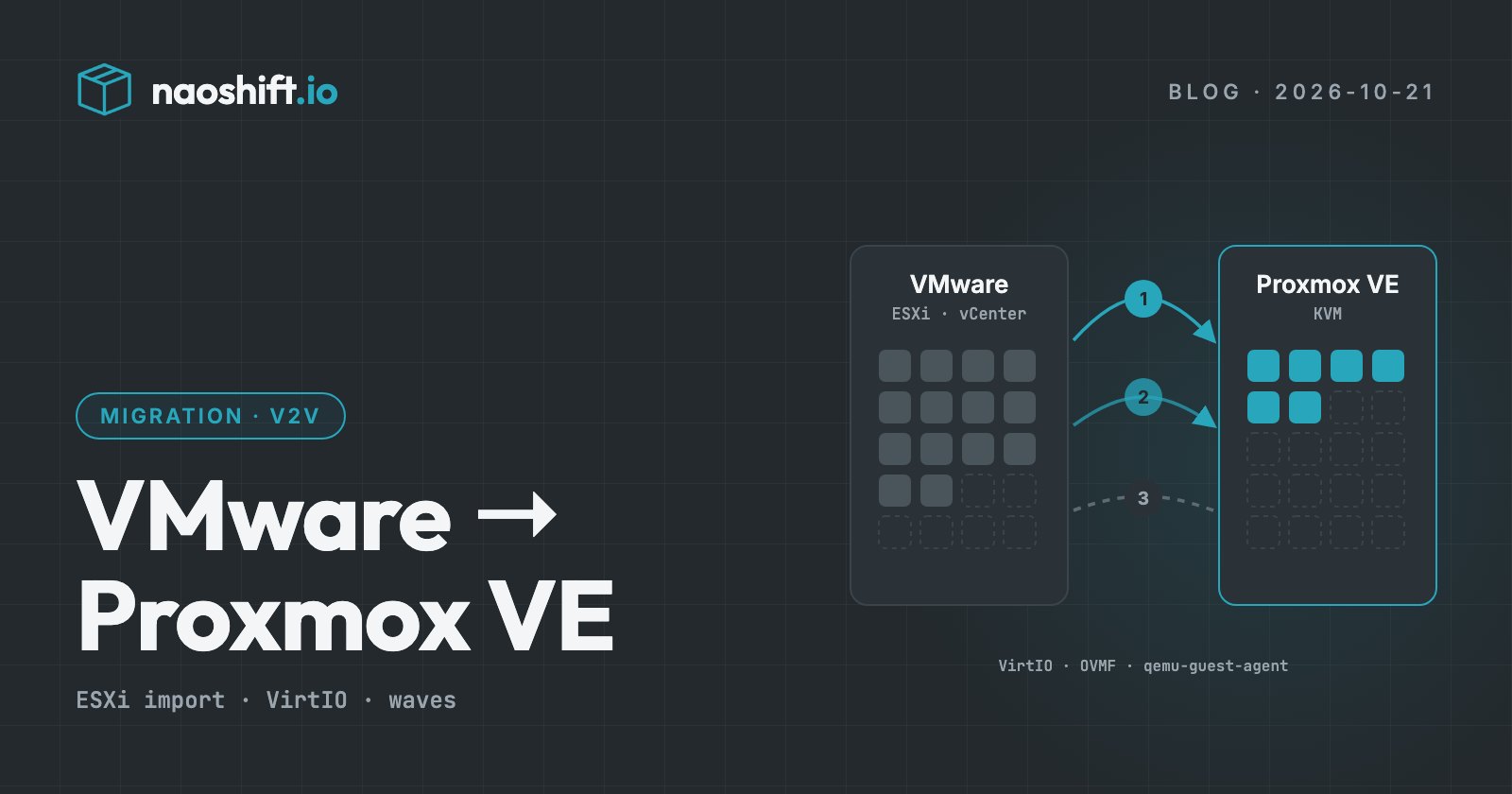
Migrate in waves, not all at once
Beyond a dozen machines, the difficulty is no longer technical: it is organisational. Which machines move together? In which window? How many in parallel? Who signs off? What happens if a cutover goes wrong?
That is what NaoShift's Migrations feature handles, in beta and opened company by company. A team drags a VMware machine onto its Proxmox VE destination. The wizard checks each machine (CPU level, firmware, Secure Boot, vTPM, encryption, free space, network) and gives it an effort score. Linked machines are grouped, then leave in waves with their own window and concurrency.
The import stays native: Proxmox VE reads the machine from VMware, and no disk goes through NaoShift. The source machine is never destroyed, and every wave keeps its rollback. On the security side, the principle does not change: read-only by default, write access enabled per target with a dedicated account, logged before execution.
Frequently asked questions
How long does it take to migrate a VM from VMware to Proxmox VE?
The import mostly depends on disk volume and on the throughput between the ESXi host and Proxmox VE. Also count the guest preparation (tools, drivers, network), which often takes longer than the copy itself for a Windows machine.
Can you migrate a Windows VM from VMware to Proxmox VE without reinstalling?
Yes. You need to remove VMware Tools, install the VirtIO drivers, then adapt the firmware and the disk controller. Have the BitLocker keys ready if the machine uses a vTPM, whose state cannot be migrated.
Do you need vCenter to import VMs into Proxmox VE?
No. The Proxmox VE wizard preferably connects directly to the ESXi host, which is also faster than going through vCenter.
Going further
To find out whether Proxmox VE is the right target, read our comparison Proxmox VE or XCP-ng. The VMware exit file prices a scenario on your estate. To inventory your machines and prepare your waves, you can start for free or write to us.