Moving a teaching lab from VMware to Proxmox: audit first
A teaching platform piles up thousands of VMs over the years. Before moving it from VMware to Proxmox VE, an audit shows what really deserves to move. Lessons from 2,800 VMs.
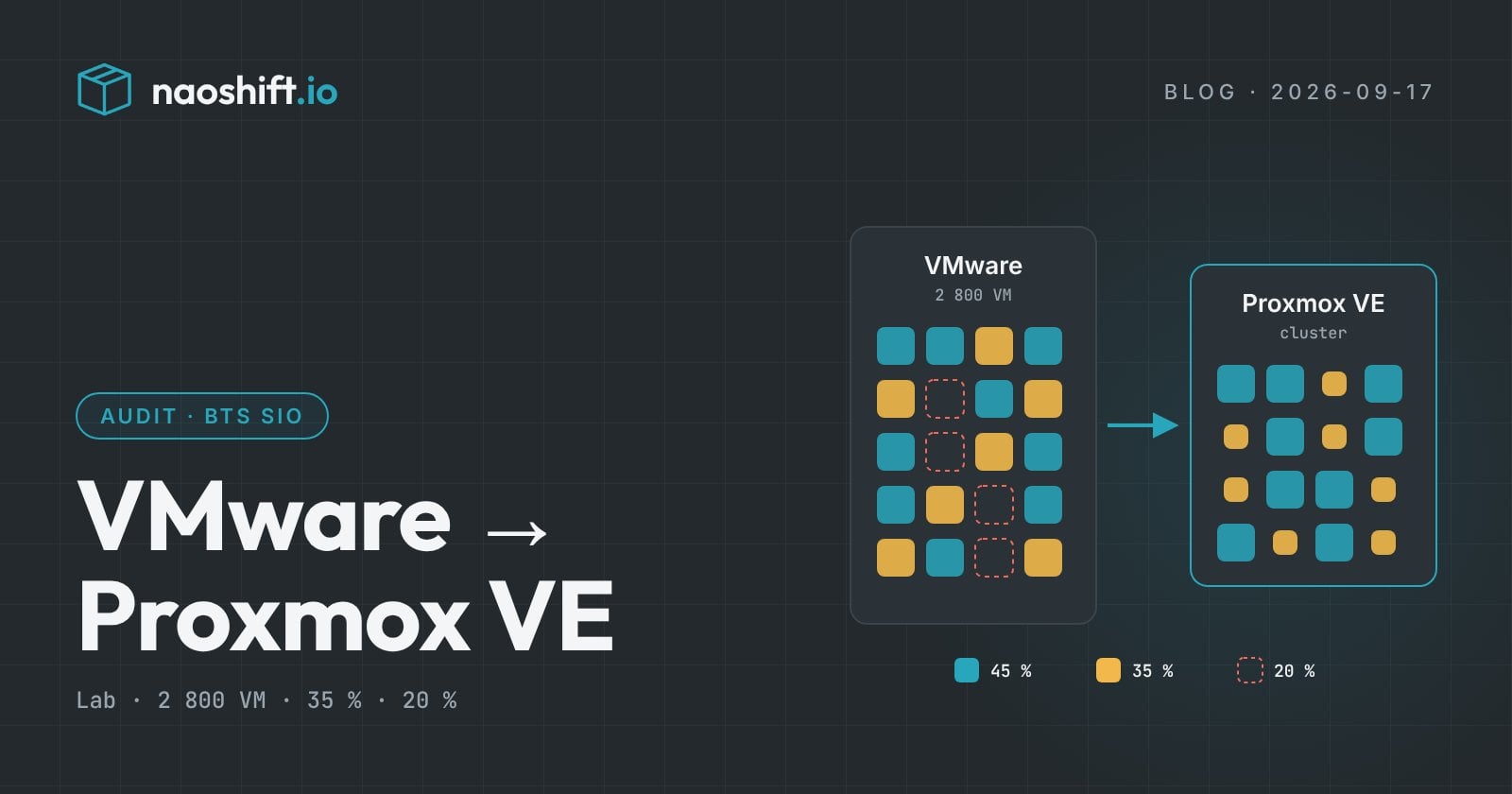
Moving a teaching platform from VMware to Proxmox VE starts with an audit, not with converting machines. On the platform of a Nantes school that trains students for the BTS SIO, a French two-year IT diploma, we analyzed 2,800 virtual machines within a few days: 35% could be optimized and 20% deleted before even talking about migration. That is as many disks fewer to convert, store and test.
Why are schools leaving VMware?
Since Broadcom's acquisition of VMware, the end of perpetual licenses and the move to bundled offers have driven up the bill for many organizations. Schools are no exception, with one more constraint: training students on the technologies they will meet at work. Proxmox VE ticks both boxes, with controlled costs and a platform that future system and network administrators will find in internships and jobs. To choose between the alternatives, our comparison Proxmox VE or XCP-ng: which one after VMware? sums it up.
What makes a teaching lab different from production?
A production infrastructure grows slowly, with justified requests and machines that have an owner. A teaching lab follows the school year: every class creates its machines for labs, projects and exams, and few of them are deleted at the end of the year. After a few years, the platform holds:
- active VMs for current courses;
- VMs sized "large" for one lab, then forgotten at full size;
- templates and project environments finished long ago;
- machines whose owner nobody remembers.
Moving all of this as is means moving the mess to the new platform, and paying for it in cutover time and storage.
What does an audit of 2,800 VMs reveal?
In the case we supported, NaoShift read the VMware environment read-only, through an outbound agent, without installing anything on the hosts. The inventory and usage history came in within a few days. The results were clear:
- 35% of the VMs could be optimized: oversized resources, idle machines, configurations to review before the cutover;
- 20% of the VMs could be deleted: outdated environments, finished labs, machines that had become useless from one class to the next;
- how outdated the platform was (versions, hardware, guest operating systems) was finally visible in one place, to plan what comes next.
The IT manager put it simply: before migrating, they had to understand exactly what they were hosting. The full customer story details the approach and its results.
How do you organize the migration after the audit?
The audit gives you a list; you still need a plan. Here is the order we recommend for a teaching platform:
- Sort with the teachers. Deletable VMs are confirmed with the people who created them: an "idle" lab may be needed for a June exam.
- Delete and resize first, on VMware. Every VM removed or shrunk before the migration lightens the rest of the project.
- Split by teaching environment. One class, option or module at a time, rather than a big bang on the whole platform.
- Gradually isolate the VMware nodes. Freed nodes join the Proxmox VE cluster as environments are migrated.
- Align cutovers with the school calendar. Holidays are natural windows; exam weeks are periods to protect.
Throughout the transition, NaoShift also reads Proxmox VE: both platforms remain visible in the same console, with the same inventory and the same capacity indicators. You can see what is left to migrate and the room available on the other side.
Frequently asked questions
How long does it take to audit a teaching platform?
A few days for 2,800 VMs in the case presented here: the time to connect the VMware environment, let the inventory and usage history come in, then sort the recommendations with the IT team.
Is the audit a risk for the production platform?
No. The audit is read-only. In NaoShift, any write follows the same rule: read-only by default, write access enabled per target with a dedicated account, logged before it runs.
Should you delete useless VMs before or after the migration?
Before. A VM deleted before the cutover does not need to be converted, copied or tested, and the new Proxmox VE platform starts clean.
Learn more
Preparing the VMware exit of a teaching or production platform? The VMware Exit file prices a scenario on your estate and the infrastructure audit describes the approach. You can start for free or contact us.