Monitoring and managing Hyper-V without SCVMM: a practical guide
Inventory, performance, actions and incident analysis on Hyper-V hosts and failover clusters, without SCVMM and with nothing to install on the nodes: prerequisites, rights, pitfalls and limits.
Hyper-V is back in many plans to leave VMware. Strongly "Windows" organisations often already own Windows Server Datacenter licences, which cover an unlimited number of Windows Server virtual machines on the licensed host. One practical question remains: how do you monitor and manage a Hyper-V estate when you do not have, or no longer have, System Center Virtual Machine Manager?
This guide shows what to open, which rights to grant, what you get and what remains out of reach, on standalone hosts as well as on failover clusters.
Hyper-V without SCVMM: what you lose, what you keep
Without SCVMM, administration relies on Hyper-V Manager, Failover Cluster Manager, Windows Admin Center and PowerShell. These tools do the job very well host by host or cluster by cluster. What is missing is the overall view: a consolidated inventory, performance history, risks, capacity, and a single console when Hyper-V runs alongside VMware or Proxmox VE.
SCVMM provides that view, but at the cost of dedicated infrastructure (a management server and a SQL Server database), a System Center licence and expertise many teams do not have. That is the space NaoShift fills: monitoring and everyday actions, without the "fabric" management specific to SCVMM.
Prerequisites
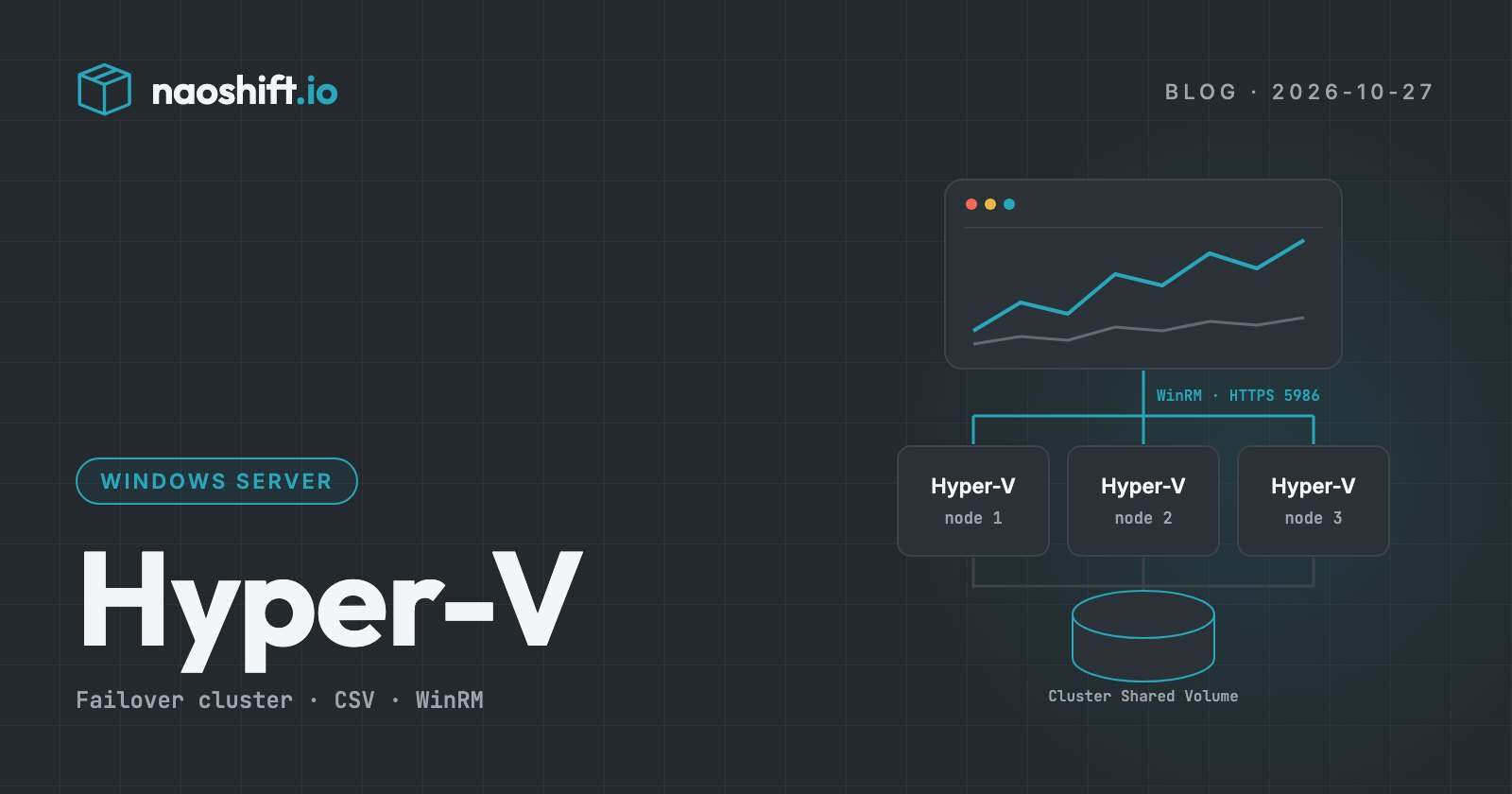
NaoShift connects to the nodes through WinRM over HTTPS, from its outbound agent installed on a machine in your network. Nothing is installed on the Hyper-V hosts.
- WinRM over HTTPS (port 5986) on every node, with a certificate whose name covers the node's FQDN, and the cluster's if the connection targets the cluster. A certificate from your corporate PKI, or a self-signed one pinned in the connector by its SHA-256 fingerprint.
- The firewall only opens 5986 to the address of the machine running the agent.
- DNS resolution of the node names from that machine.
- A collection account, domain or local, authenticated with NTLMv2.
The most frequent blocker we see is neither a right nor a password: it is the missing WinRM HTTPS listener. By default, WinRM only listens over HTTP. Example of how to create it, once the certificate is imported into the computer store:
$thumb = (Get-ChildItem Cert:\LocalMachine\My | Where-Object Subject -like "*$env:COMPUTERNAME*").Thumbprint
New-Item -Path WSMan:\localhost\Listener -Transport HTTPS -Address * -CertificateThumbPrint $thumb -Force
New-NetFirewallRule -Name naoshift-winrm-https -DisplayName "WinRM HTTPS" -Protocol TCP `
  -LocalPort 5986 -Direction Inbound -Action Allow -RemoteAddress <agent address>
Collection account rights, and a Windows limitation
On every node, the collection account belongs to the Hyper-V Administrators, Remote Management Users, Performance Monitor Users and Event Log Readers groups. On a cluster, it gets read-only access (Grant-ClusterAccess -ReadOnly).
Why Hyper-V Administrators for mere reading? Because Windows offers no read-only Hyper-V role. Without that group, no account can see the virtual machines, and the trap is a nasty one: the WMI interface answers without any error, with zero machines. A monitoring tool may then display an empty host as if nothing were wrong. NaoShift reports that case as "not collected", never as "zero VMs".
To offset this overly broad right, collection only runs a read-only PowerShell script embedded in the agent, whose commands are checked against an allowlist.
What collection brings back
- Hosts: hardware, Windows Server edition and build, which lets you match the vulnerabilities published by Microsoft.
- Virtual machines: state, vCPUs, startup memory and dynamic memory, generation (hence firmware, Secure Boot, vTPM), configuration version, integration services, guest operating system and IP addresses.
- Storage: dynamic, fixed or differencing VHDX disks with their chain, pass-through disks, cluster shared volumes (CSV) and their state.
- Network: virtual switches, access or trunk VLANs, physical adapters.
- Protection: checkpoints, Hyper-V Replica, cluster roles with their priority.
- Performance: CPU, CPU wait, disk IOPS and throughput, network, dynamic memory.
What is not collected is stated as such: tags (only SCVMM has them), guest partitions, licences, multipath and disk health. An unreachable node is flagged without failing the collection of the rest of the cluster.
Acting from the same console
More than thirty actions are available on Hyper-V: power (with a clean shutdown through the integration services, never a hard power-off for lack of a guest), checkpoints, vCPU and memory, renaming, configuration version, clone from a template, deletion, disks, network adapters and VLANs, media, live migration between nodes, node maintenance and high availability through cluster roles.
Writes follow the rule shared by every platform: read-only by default, write access enabled per target with a dedicated account, logged before execution. The action account is separate from the collection account. Each action maps to a fixed script whose commands are listed one by one and whose parameters are validated twice.
A useful detail about high availability: Windows requires local administrator rights to protect a machine with a cluster role, even with full cluster access. That action therefore needs a broader action account than the others.
Understanding an incident
When a node or a cluster goes down, an alert names the object and gives the real times. Root-cause analysis then reads, on demand, each node's event logs: Hyper-V (machine management, worker processes, high availability, storage, network), failover clustering and the System log. It tells who did what, for instance which account restarted a node and with what reason.
The collection account is enough: its membership in Event Log Readers gives it access to these logs.
Current limits
To be complete: the remote console and deployment from a template are not yet available on Hyper-V, and Kerberos authentication is not yet supported. NaoShift does not replace SCVMM's fabric management either: host deployment, logical networks, library and service templates.
Frequently asked questions
Do you need to install an agent on the Hyper-V hosts?
No. The NaoShift agent runs on a machine in your network and connects to the nodes through WinRM over HTTPS. Nothing is installed on the hosts or inside the virtual machines.
Does NaoShift replace SCVMM?
For monitoring, inventory, risk analysis and everyday actions, yes. For fabric management (host deployment, logical networks, service templates), no: that is not its role.
Are standalone Hyper-V hosts supported?
Yes. A standalone host and a failover cluster connect the same way. For a cluster, the connection targets the cluster and each node is read in its own session.
Going further
The Integrations page lists every supported platform. To connect your Hyper-V hosts next to your other hypervisors, you can start for free or write to us.