Broadcom pulls VDDK: what it changes for leaving VMware
In late August 2026, the public download of VDDK, the library that reads VMware virtual machine disks, disappeared. Which migration tools depend on it, which do not, and what to do now.
In late August 2026, the public download pages of VDDK, VMware's Virtual Disk Development Kit, stopped responding. No announcement, no transition period, no replacement link. For an organisation preparing to leave VMware, this is no detail: many migration tools rely on this library to read virtual machine disks.
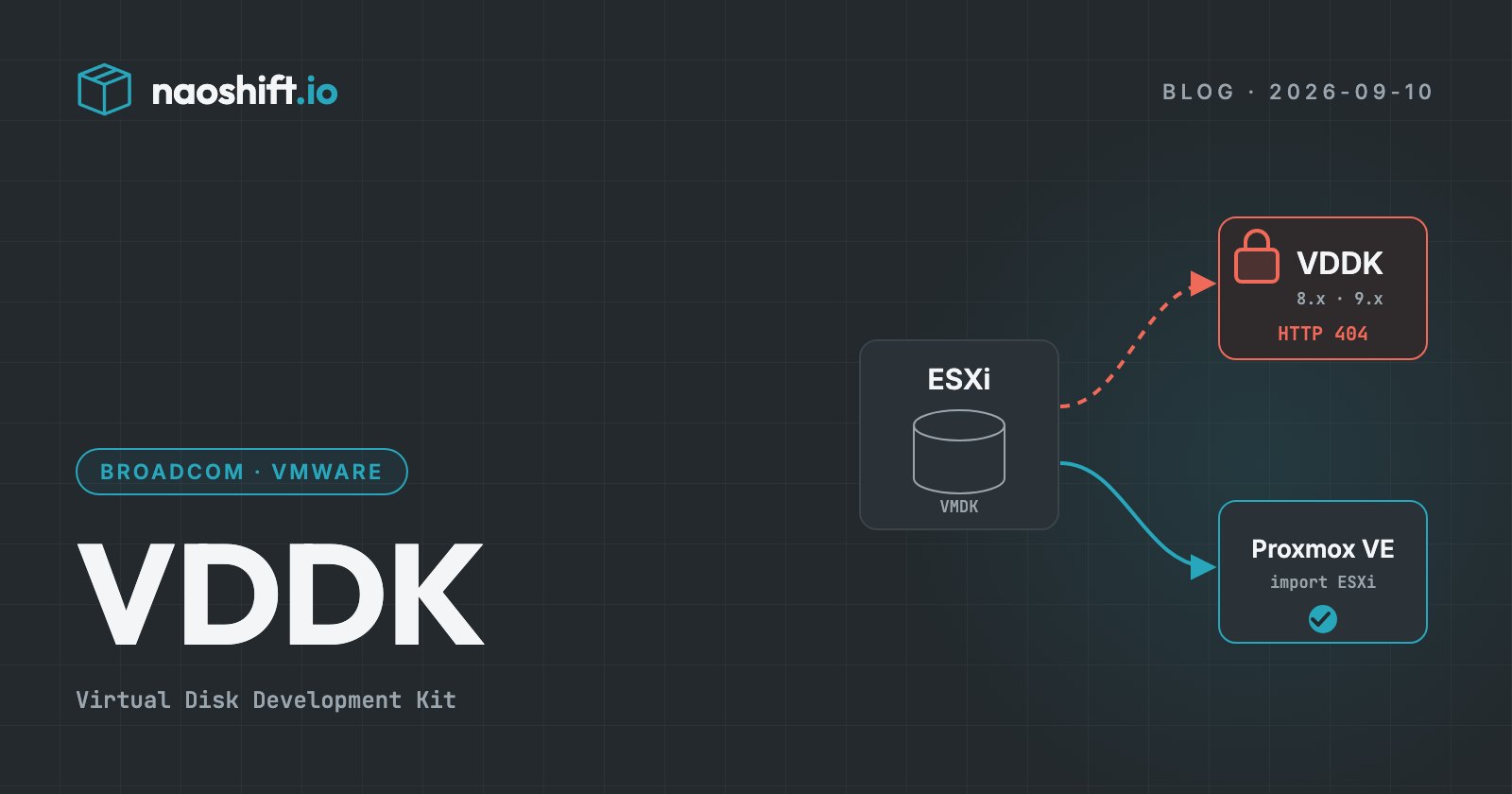
In short: if your migration plan relies on a tool that requires VDDK, check right now that you hold a legitimate copy. If you are heading for Proxmox VE, its built-in import wizard does not depend on it.
What happened
VDDK is the library that lets third-party software read and write the virtual disks of a VMware machine from outside the hypervisor. Backup and migration vendors have used it for years.
The facts, as reported by the specialist press in early September:
- users reported dead links from mid-August, and ShapeBlue documented the change on 25 August 2026;
- the pages for VDDK 8 and 9 now return an error;
- Broadcom has published no formal announcement;
- a reply from Broadcom support, relayed by a user, states that VDDK "is no longer available for use or download" and points to the solutions of Broadcom's authorised technology partners;
- Red Hat published a support note on 27 August, asking affected customers to contact Broadcom support.
The library remains available to Broadcom's larger partners. Copies already downloaded keep working, but the VDDK licence forbids redistributing them.
Which tools are affected
VDDK mainly serves two purposes: backing up VMware machines and migrating them elsewhere.
Backup is barely affected: the major backup vendors are Broadcom partners and keep their access.
Migration is affected far more. The tools named by the press and by the vendors themselves:
- Microsoft Azure Migrate, whose documentation asks you to download VDDK and now warns that Broadcom may restrict access to it;
- Red Hat Migration Toolkit for Virtualization, which migrates to OpenShift Virtualization;
- Nutanix Move;
- conversion chains to KVM that go through virt-v2v and nbdkit with their VDDK plugin;
- Xen Orchestra, whose import from VMware to XCP-ng has relied on nbdkit and VDDK since version 5.110.
The irony is bitter: the tool that reads a VMware disk becomes harder to get at the very moment many organisations want to leave.
What does not depend on it
Not every exit route goes through VDDK.
- The Proxmox VE import wizard reads machines directly from the ESXi host, through the host's API. It does not use VDDK.
- OVF or OVA export, followed by an import on the target platform, remains possible for powered-off machines, at the cost of an intermediate copy.
- Storage-level copies, when the array and the target platform allow it, also bypass the library.
- Rebuilding services, rather than migrating machines, is sometimes still the best option for legacy systems.
What to do now
- List your tool chain. For each step of the migration plan (inventory, conversion, transfer, backup), note whether the tool requires VDDK, and which version.
- Check your rights. If your teams downloaded a copy of VDDK, make sure it was obtained properly and document it. Otherwise, ask Broadcom support and your integrator.
- Prefer native imports. When the target platform can import from ESXi by itself, that is one dependency fewer.
- Inventory your machines in detail. Disks on vSAN, encrypted disks, old snapshots, UEFI firmware and vTPM complicate every method: better know about them before choosing the tool.
- Do not wait. What still works today with a cached copy may no longer work after a vSphere update or a tightening of the licence.
What it says about dependence
This episode illustrates a simple reality: when a vendor controls both the product and the exits, dependence becomes structural. The answer is not to switch platforms in a hurry, but to take back control of what is happening: know what you have, choose migration methods that do not depend on the outgoing vendor's goodwill, and move in waves.
NaoShift helps a team take that first step: an up-to-date inventory of the whole VMware estate, with the characteristics that matter for a migration (firmware, encryption, storage, snapshots, operating systems), in the same console as the target platforms. Collection goes through the vSphere API, via an outbound agent that is read-only by default, and does not use VDDK.
Frequently asked questions
What is VDDK?
The Virtual Disk Development Kit is a VMware library that lets third-party software access the virtual disks of a VMware machine, to back them up, copy them or convert them.
Can you still use a copy of VDDK you already downloaded?
Existing copies keep working technically. Their use remains governed by the VMware licence, which forbids redistribution: check your situation with your legal team or with Broadcom support.
Do you need VDDK to migrate from VMware to Proxmox VE?
No. The import wizard built into Proxmox VE reads machines directly from the ESXi host and does not depend on VDDK.
Going further
The VMware exit file prices a scenario on your real estate. To inventory your VMware infrastructure and your target platforms in a single console, you can start for free or write to us.